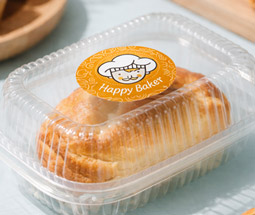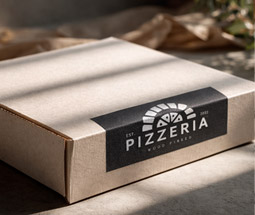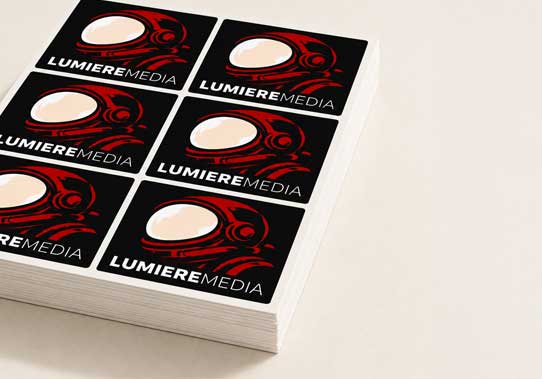
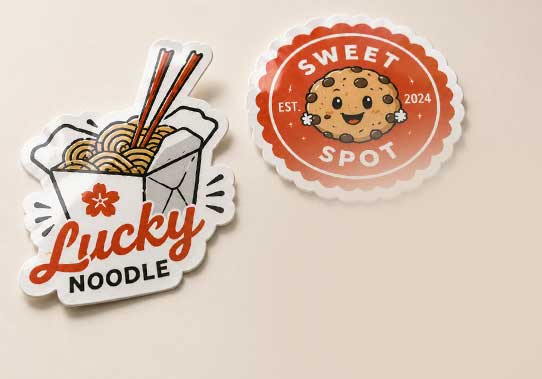
- Stickers supplied on easy to peel sheets.
- Give every order a professional unboxing finish.
Stickers on a Sheet
From£17.90
 From
£19.84
From
£19.84
 From
£17.90
From
£17.90
 From
£20.44
From
£20.44
 From
£17.90
From
£17.90
 From £33.24
 From £34.88
 From
£27.68
From
£27.68
 From
£27.68
From
£27.68
 HP Indigo 6K+ Digital Press
All of our stickers are printed on the HP Indigo 6K+ Digital Press, delivering vibrant colours, sharp detail and consistent quality for every order, from 25 stickers to 15,000.
After printing, twin 400W DigiLase Duo laser heads precisely cut intricate custom shapes with speed and accuracy. Our finishing line also features the Dual Bar DigiJet for premium embellishments including Spot UV-style varnish, metallic foil and tactile effects, while an integrated laminator applies matt or gloss lamination as part of the same streamlined process. The result is premium-quality stickers and labels, finished quickly and consistently at any scale.
We offer a range of set sticker sizes or you can design stickers to whatever custom size you like! Here’s a quick rundown of the shapes available for label printing and how to best use them:
Making a sticker for print is a lot easier than you think! All you need to do is:
For more thorough advice on how to do all of these different things using a variety of design tools (like Word and InDesign), check out our full guide on how to make a sticker here
Designing custom stickers online is simple and straightforward, whether you have a professional design team or want to create your own artwork. On each of our sticker product pages, you’ll find the design specifications you need to get started, including:
You can use these specifications to make sure your artwork fits perfectly and prints at the highest quality. If you’d prefer, you can also use our free online sticker templates to speed up the process.
Once your design is ready, just upload your sticker artwork to our site. Our in-house quality control team will double-check your file to ensure everything meets our printing standards before it goes to print —so your stickers come out looking sharp and professional.
We’ve been printing stickers for over 10 years, so we’ve seen thousands of creative sticker designs come through our presses. From product labels to promotional giveaways, we know what works best. Using our experience, we’ve pulled together our top 5 tips for designing stickers for print –here’s our expert advice.
We know that creating the perfect sticker design for your brand can feel like a challenge, but don’t worry, we’ve got you covered. Whether you’ve got a rough idea in mind or no clue where to start, our free online sticker design tool and ready-made templates make the process quick and easy.
Our sticker template library is packed with designs for a wide range of industries and uses. For example:
With plenty of layouts to choose from, you can customise colours, fonts, and logos to create a sticker design that feels uniquely yours. Even without design experience, you’ll be able to create a professional-looking sticker that’s ready to print in minutes.
Ordering stickers or labels online with instantprint is quick and hassle-free. If you don’t already have a design, you can create one using our free online sticker design tool.
Once your artwork is ready, simply choose the sticker product you want on this page. Select your preferred material (such as gloss, uncoated or polypropylene), pick your quantity and delivery option, then click add to basket.
Next, you’ll be asked how you’d like to supply your artwork. Upload your design and we’ll automatically generate a proof for you to review. This proof shows exactly how your sticker will look when printed, including trim lines, bleed, and safety zones (don’t worry, the bleed lines won’t be printed).
If you’re happy with the proof, just approve it for print and place your order. From there, our Studio team will manually check your file to make sure everything is set up correctly - acting as your final safety net before printing begins.
Your stickers are printed on our HP Indigo 6K+ Digital Press, a high-performance press that delivers sharp detail, vibrant colours and fast turnaround –whether you need 25 or 15,000. After printing, they’re cut to shape on our rotary finishing line and sheeted or rolled for easy peel-and-use.
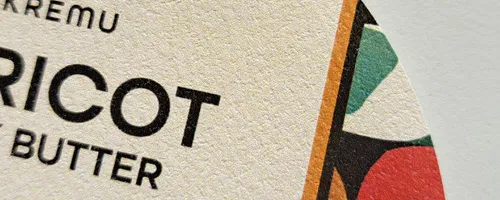
We offer a curated range of premium materials to suit every application. Choose Gloss White Paper for everyday versatility, or upgrade to Gloss Polypropylene for a durable, water-resistant finish ideal for luxury products. Our Uncoated stock delivers a refined, tactile feel, while Transparent materials create a seamless, no-label look for packaging. For a truly standout finish, Metallic adds a striking, high-shine effect.
Our finishing line also features the Dual Bar DigiJet, which allows us to add premium digital embellishments including Spot UV-style varnish, gold and silver foil. An integrated thermal laminator then applies matt or gloss lamination as part of the same streamlined workflow. By combining embellishment, lamination and precision finishing in one process, we're able to produce high-quality stickers and labels with premium finishes quickly, consistently and at scale.
Once you’ve designed and ordered your stickers, the fun part is putting them to work. Stickers are incredibly versatile and can be used in loads of creative ways to promote your brand or product. For example, you could:
Whether you’re running a local business, selling online, or promoting at events, stickers are a simple but powerful tool to get your brand noticed.
Depending on the quantity of stickers you order (i.e. if the package will fit through a letterbox or not), you may get a choice of couriers at the checkout. The fastest way to find out exactly what shipping options are available in your region for the product you want is to add them to your basket and check the options available to you there. You can also check our delivery timetable.
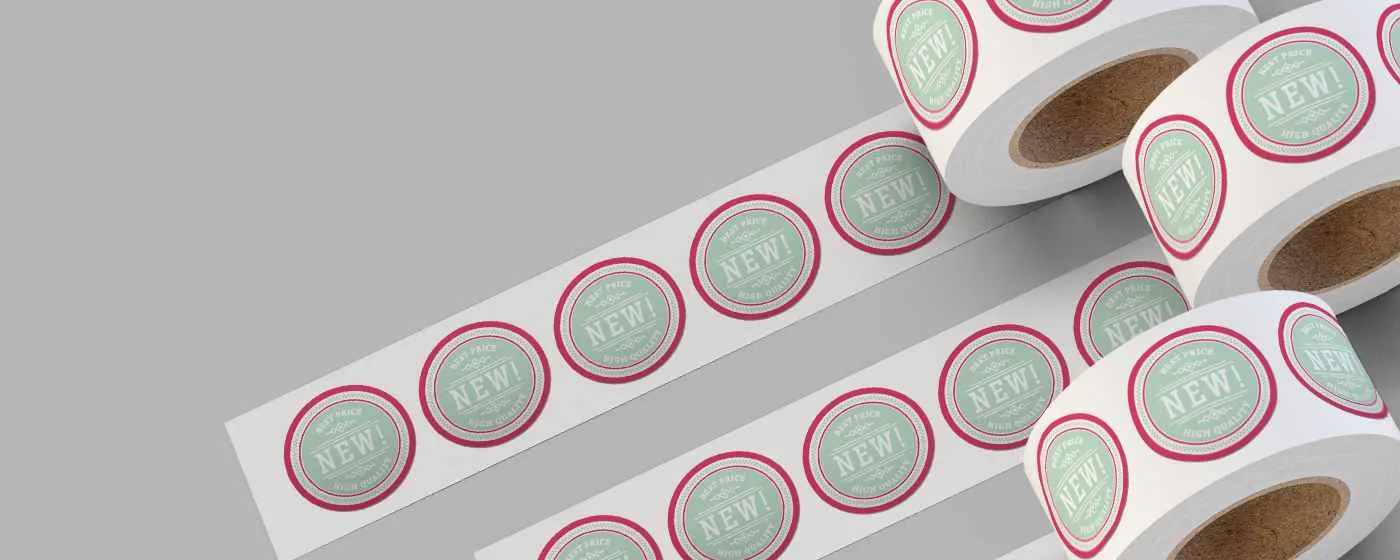
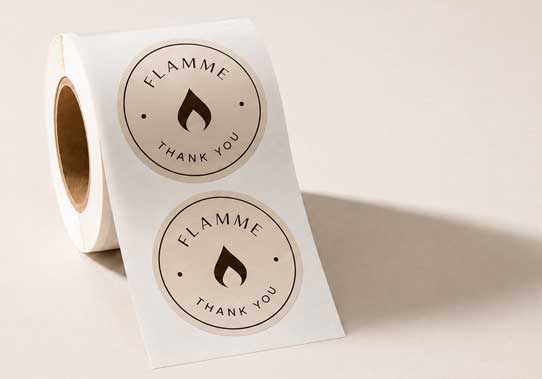
Absolutely - we print stickers and labels on sheets as well as providing stickers and lables on rolls. Depending on your use case and minimum order quantity you can select this option on the product pages.
See and feel the instantprint quality for yourself. Our free sample pack is packed with our most popular products, stocks and finishes — delivered to your door.
Order your free sample pack