Artwork Guide
Printed Mugs
Everything you need to set up and submit your mug artwork.
Printing on Your Mug
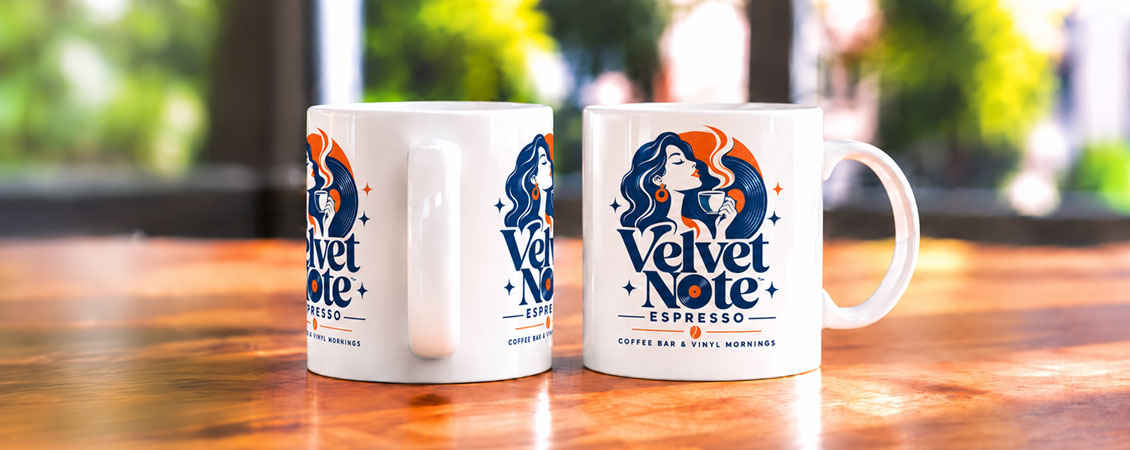
Add your logo, text or artwork to a white ceramic mug with full colour printing. Choose two separate printed sides or one continuous wraparound design.
Creating Your Mug Artwork
Start with the blank template for your chosen print style. It shows the printable area and safe zone, making it easier to position your design correctly.
Open the matching template and keep it at its original size.
Add your design to the printable area. Keep text and logos inside the safe zone.
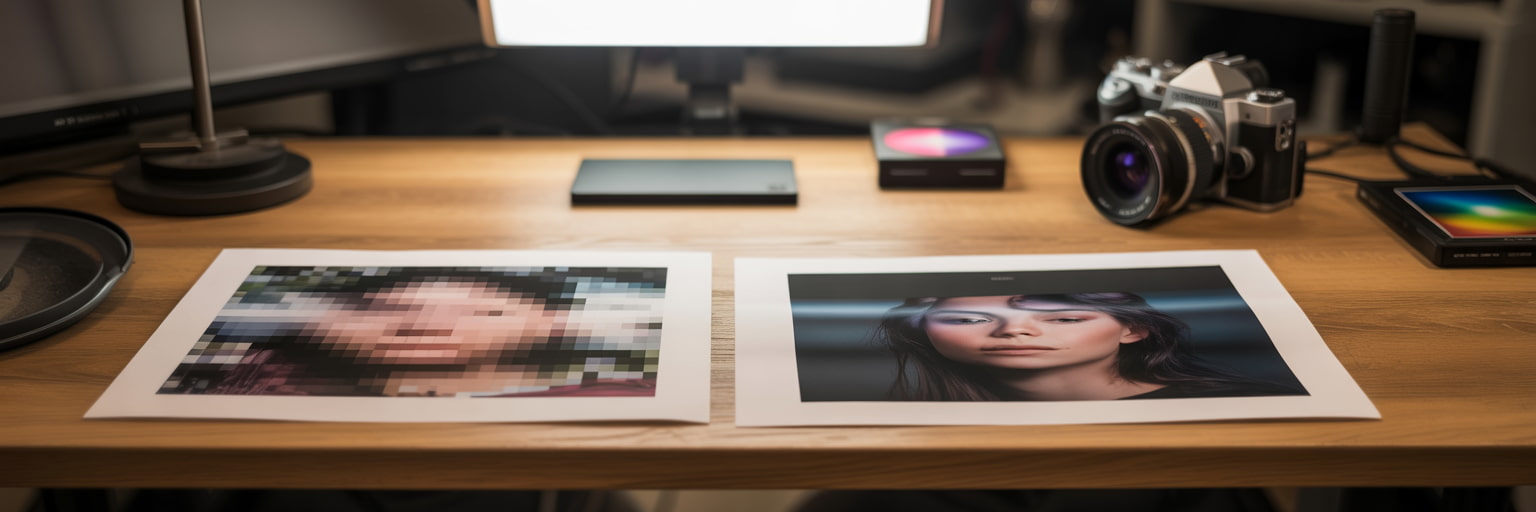
Use images at 300dpi at their final print size. Check spelling and text readability.
Remove the template guides, then save your finished artwork ready to upload.
Think About the Curve
A wraparound design won’t be visible all at once. Keep your main logo or message together.
Mug Artwork Specifications
Before uploading your design, check your artwork matches these specifications.
205mm × 90mm printable area.
0mm. You don’t need to add bleed to your mug artwork.
Set your artwork up in CMYK for print.
Use images at 300dpi at their final print size.
For your finished artwork, we recommend supplying a print-ready PDF.
Outline your fonts before saving your final artwork.
Download Your Mug Template
Choose the file type that works best for you. Each template is already set up to the correct mug artwork dimensions.


Top Tips for Perfect Mugs
- Set your artwork up in CMYK for the best representation of your printed colours.
- Keep text at 6pt or larger. We recommend 8pt+ where possible for easier reading on a curved mug.
- Don’t add bleed. Mug artwork requires 0mm.
- White areas won’t be printed. They’ll show as the white of the mug.
- Outline your fonts and save your finished artwork as a print-ready PDF.
- Want to order different designs? Add each design to your basket as a separate item.
Submitting Your Artwork
Add your mugs to the basket, then upload your artwork for the print style you’ve selected.
Double-Sided Print
- Upload one design to repeat on both sides, or two different designs.
- White space separates the printed areas.


Wraparound Print
- Upload one continuous artwork layout.
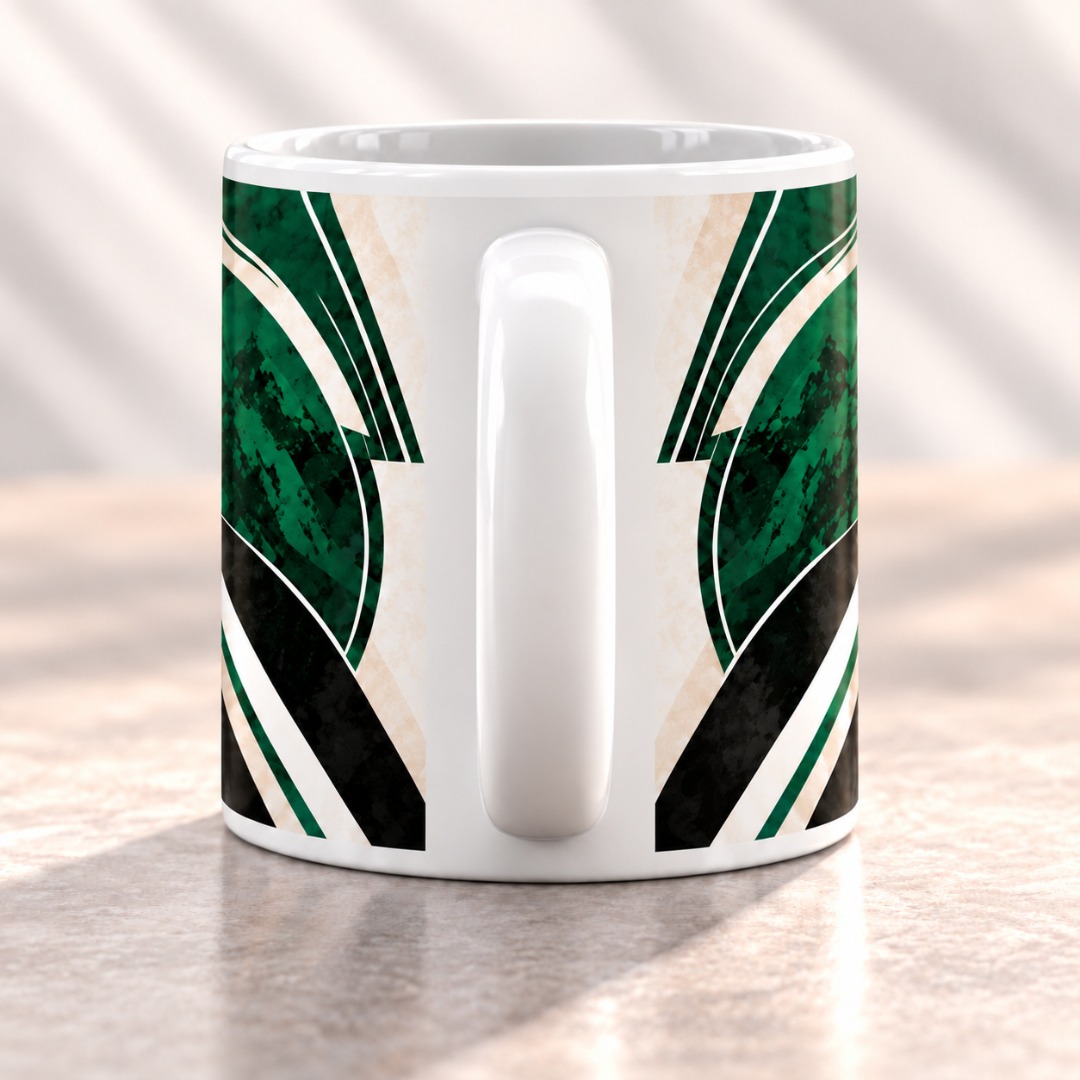
- White margins remain at the top, bottom and beside the handle.

Checking Your Proof
Check spelling, image quality and artwork placement before approving. Review both sides for double-sided printing, or the full layout for wraparound.
Now you know how to set up your artwork, head over to our Mugs page to get started.

.jpg)