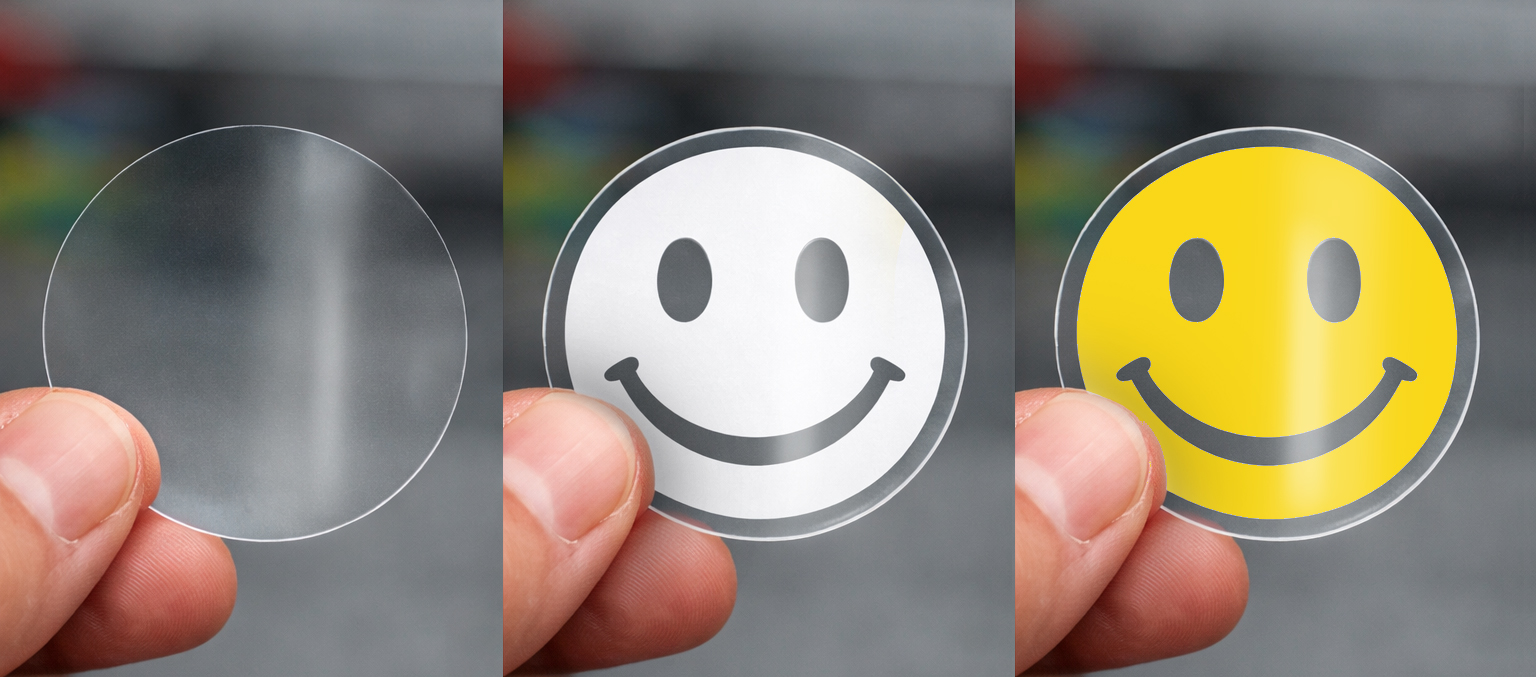
White ink printing allows your design to be printed clearly and vibrantly. Without a white base layer, colours can appear dull or transparent.
To make sure your print comes out looking its best, we automatically apply white ink where needed when your artwork is uploaded.
This guide explains how it works, and how to supply your artwork for the best results.
What Is White Ink Printing?
White ink acts as an underlayer that sits beneath your design. Think of it like a primer, it helps colours appear brighter and more accurate.
How do I supply my artwork?
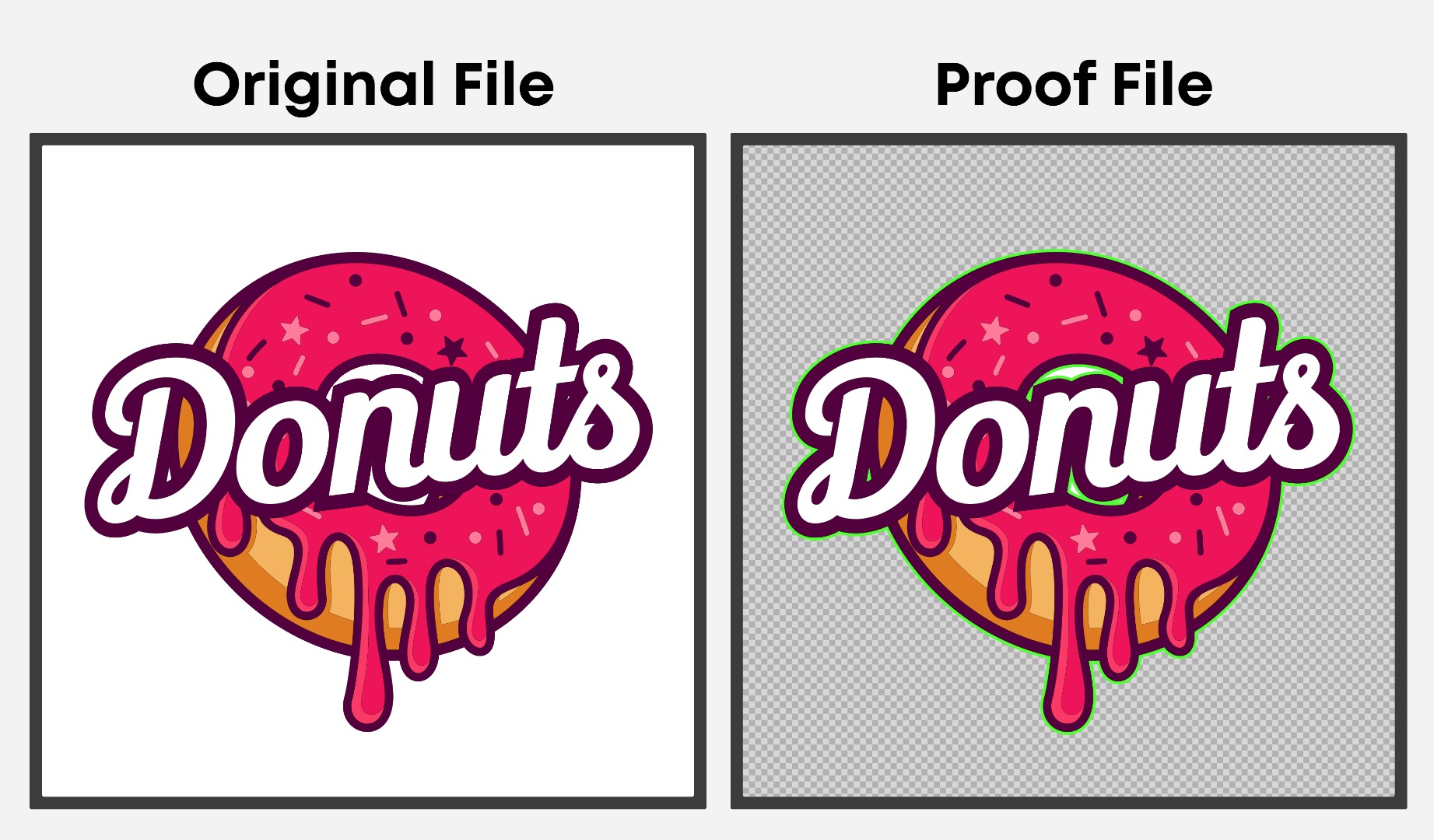
If you upload a JPG file
JPGs don’t support transparent backgrounds, so they often include a solid background colour.
In this case, our tool will automatically:
- Detect your design
- Remove the background around it
- Prepare the artwork ready for printing
This is ideal for logos and simple graphics.
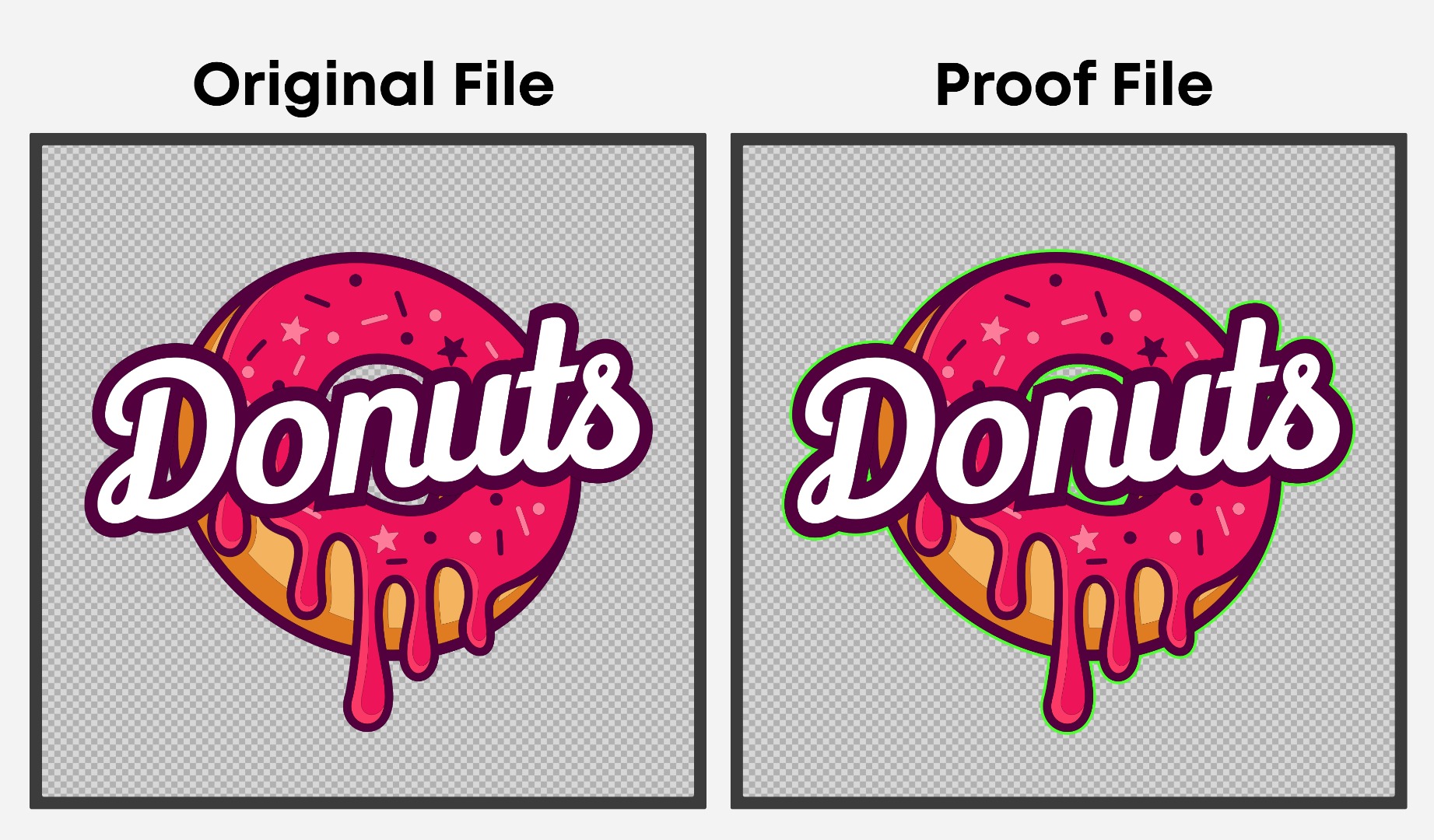
If you upload an editable file (AI, PSD or PDF)
Editable artwork gives the best results, as it supports transparency and higher-quality detail.
When you upload an editable file:
- Any transparent areas will stay transparent
- Your design will be prepared exactly as supplied - We would recommend Vector as the best file type
- White ink will be applied where needed during print setup
What About White Text or White Areas in My Design?
If your artwork contains white elements (such as white text, icons, or shapes), these will be treated as intentional and will print as white ink.
So if you include white in your design, it will remain white on the finished product.
Quick Tips for the Best Results
To ensure your artwork prints as expected:
- Use high-resolution artwork wherever possible
- Avoid heavily compressed JPG files
- Supply an editable file if your design includes fine detail or transparency
- Make sure any areas you want to appear white are actually white in the design
Do I need to do anything else?
No. Once you’ve uploaded your artwork, there’s nothing more you need to do. Your file will be sent to our studio team for proofing. If we spot any issues or need clarification, we’ll contact you by email.