Artwork Guide
Foil Guide
Everything you need to set up and submit a foil file.
What is foiling?
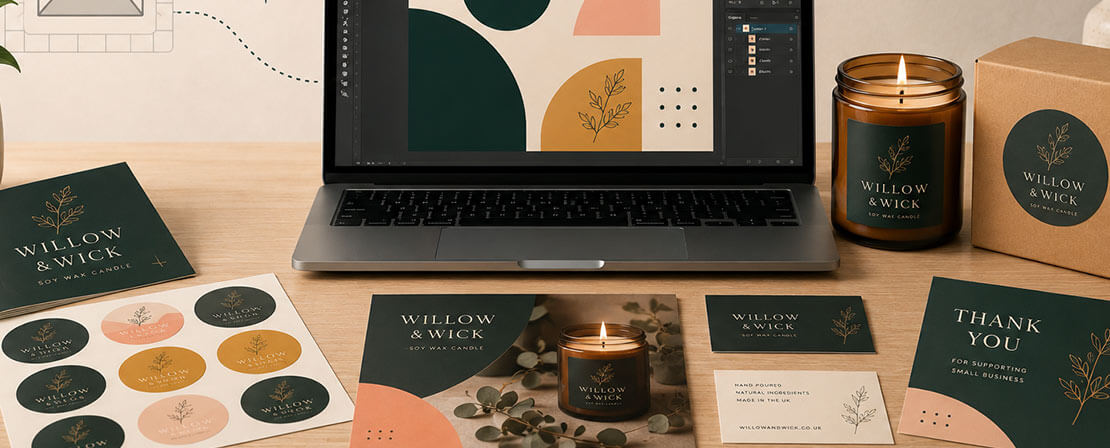
Foil adds a shiny metallic finish to parts of your design. Great for logos, text, or textured effects. After printing, we apply spot gloss to the foil areas, then press on a foil sheet and cure it under UV light. Foil only works on matt or velvet laminated stock, and comes in gold or silver.
How to create your foil file
You'll need two files: your normal artwork, and a separate foil file.
- Save your artwork as a PDF as usual.
- Make a copy of it - this becomes your foil file.
- Delete everything you don't want foiled. Make the background transparent so the rest of your design isn't covered in foil.
- Want a pattern or extra foil detail that isn't in your original design? Add it now.
- Turn everything that's left bright orange - this shows our team exactly where to apply the foil.
- Save the file with "_Foil" added to the name, e.g. Business-Card_Foil.
Quick checklist
- Keep foil at least 3mm from the edge, and never over a fold
- Font size for foiling: 8pt minimum
- Only include elements you want foiled - nothing else
Sending us your files
Upload both files (original + foil) when you order, or send your files to us through our live chat assistant along with your order reference number.
Checking your proof
We'll send a 3-page proof (6 if double-sided): your original artwork, the foil layer on its own, and both combined - so you can see exactly where the foil will sit before it goes to print.
-
1. Your artwork
-
instantprint.2. Foil layer on its own
-
instantprint.3. Both combined

.jpg)